CLI Tools for Marketing Automation (2026): A Practical Directory
Marketing automation in 2026 runs on code. AI agents build and validate campaign links, CI/CD pipelines gate deployments on pre-publish checks, and headless CMS workflows push content without browser tabs. The marketing engineers running these systems work from the terminal — and the tools they reach for fall into five categories: campaign link infrastructure, deployment automation, version control, content management, and cloud asset pipelines. This directory covers the CLI tools that actually matter in each category, with the primary install command and a one-line use case for each.
Why marketing automation needs CLI tools
The shift from manual dashboards to automated pipelines is reshaping what marketing engineering looks like. Three forces are driving it:
- AI agents need programmatic interfaces. An agent running inside Claude Code or Cursor cannot fill out a web form. It needs a CLI, a REST API, or an MCP server. Tools that expose only a web dashboard are invisible to agents.
- CI/CD pipelines run in headless environments. A GitHub Actions runner has no browser. Validation, deployment, and content operations need to be expressible as shell commands.
- Scale and consistency demand automation. Running 200 UTM links through a web dashboard one at a time is not feasible. Piping a CSV through a CLI tool and validating every output URL takes seconds.
The tools listed below are ones that marketing engineers actually install globally and run regularly — not enterprise platforms with CLIs added as an afterthought, but tools where the terminal is the primary interface.
Campaign link infrastructure: missinglinkz
Install: npm install -g missinglinkz
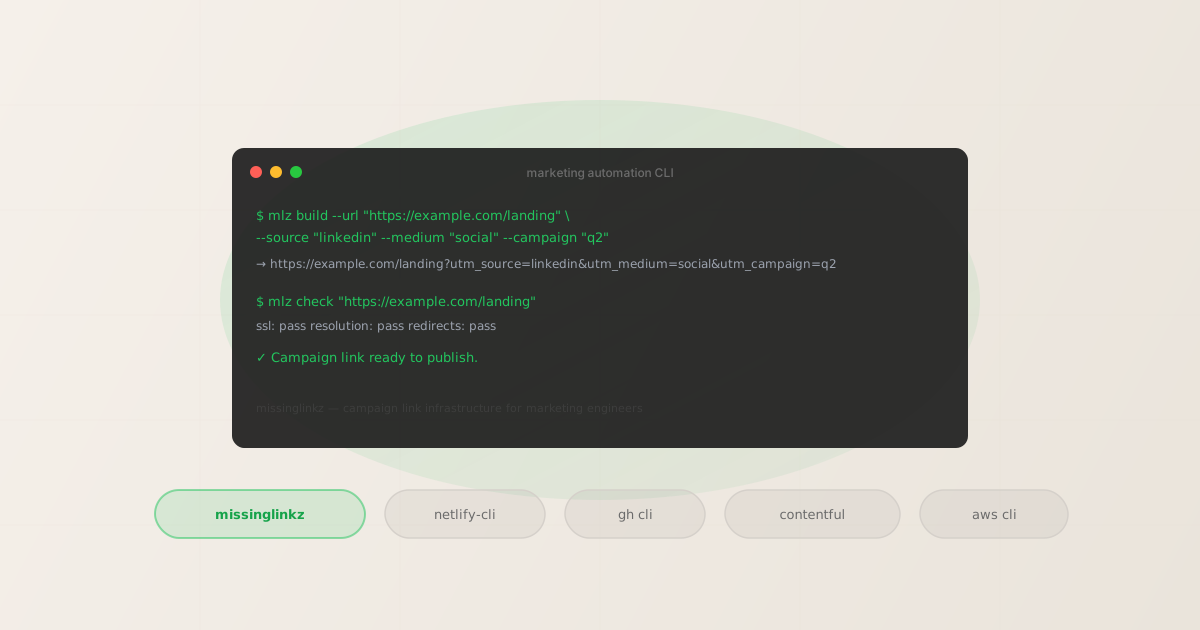
MissingLinkz is campaign link infrastructure for the terminal, API, and AI agents. It covers the two things marketing engineers need to do with campaign links: build them with enforced UTM naming conventions, and validate them before they go live.
Build a UTM-tagged campaign link:
mlz build --url "https://example.com/landing" --source "linkedin" --medium "social" --campaign "q2-2026"
Returns structured JSON with the complete tracked URL, enforced lowercase parameter values, and an optional campaign ID for storage. Validate a destination URL before publishing:
mlz check "https://example.com/landing"
# Build the link
$ mlz build \
  --url "https://example.com/landing" \
  --source "linkedin" \
  --medium "social" \
  --campaign "q2-2026"

{
  "tracked_url": "https://example.com/landing?utm_source=linkedin&utm_medium=social&utm_campaign=q2-2026",
  "params": { "utm_source": "linkedin", "utm_medium": "social", "utm_campaign": "q2-2026" }
}

# Validate the destination
$ mlz check "https://example.com/landing"

{
  "valid": true,
  "checks": [
    { "check": "ssl", "status": "pass" },
    { "check": "resolution", "status": "pass" },
    { "check": "redirects", "status": "pass" }
  ]
}
MissingLinkz also exposes an MCP server (mlz mcp) so AI agents can call mlz_build_link, mlz_validate_url, and mlz_inspect_destination as native tools inside Claude Code, Cursor, and any MCP-compatible agent. See the UTM tracking for developers guide for a full programmatic workflow, and MCP tools for marketing campaigns for how the MCP server fits into an agent stack.
Deployment automation: Netlify CLI and Vercel CLI
Netlify CLI install: npm install -g netlify-cli
Vercel CLI install: npm install -g vercel
Campaign landing pages need to deploy fast. Both Netlify and Vercel ship full-featured CLIs that let you deploy, roll back, manage environment variables, and trigger preview deployments from the terminal without touching the web dashboard.
The Netlify CLI is particularly useful for marketing engineering workflows because it exposes site configuration and environment variables as scriptable objects — which means you can automate campaign-specific landing page deployments from a pipeline rather than a browser. Common marketing uses:
netlify deploy --prod— deploy a landing page build from CInetlify env:set CAMPAIGN_ID "q2-launch"— set environment variables per campaignnetlify rollback— revert a bad deploy without touching the dashboard
The Vercel CLI has equivalent capabilities: vercel --prod deploys, vercel env add manages environment variables, and vercel list shows deployment history — all from the terminal.
Version control and automation: GitHub CLI
Install: brew install gh or cli.github.com
The GitHub CLI (gh) is essential for marketing engineers who manage campaign configuration files, content repositories, or automated workflows in GitHub. Its primary value for marketing automation is scripting PR creation, issue management, and workflow triggering from a pipeline without API tokens.
Common marketing automation uses:
gh pr create --title "Campaign: Q2 Launch" --base main— open a PR for a campaign landing page update from CIgh workflow run campaign-validation.yml— trigger a campaign link validation workflow on demandgh run watch— stream GitHub Actions output from the terminal while a validation pipeline runsgh issue create --label "campaign-bug"— file a tracking issue when a campaign link validation failure is detected in CI
Combined with mlz check, the pattern of running link validation in a GitHub Actions workflow and opening an issue on failure is entirely scriptable from the command line — no web dashboard required at any step.
Headless CMS: Contentful CLI
Install: npm install -g contentful-cli
For teams using Contentful as a headless CMS to manage campaign landing page content, the Contentful CLI enables content migrations, environment management, and export/import operations without the web app. Marketing engineers use it to:
- Migrate content models between environments (
contentful space migration) - Export content for backup or analysis (
contentful space export) - Manage multiple Contentful spaces and environments from a single terminal session
Storyblok, Sanity, and DatoCMS all offer comparable CLIs if those are your CMS of choice. The pattern is the same: content operations that used to require browser navigation become scriptable steps in a deployment or campaign launch pipeline.
Cloud asset management: AWS CLI
Install: aws.amazon.com/cli
Marketing teams that host campaign assets (images, PDFs, creative files) on S3 use the AWS CLI to automate uploads, manage cache invalidation, and control bucket permissions without the AWS console. The most common marketing use is automating asset deployment as part of a campaign launch pipeline:
aws s3 sync ./campaign-assets s3://marketing-assets/q2-launch/— bulk upload campaign creative to S3aws cloudfront create-invalidation --paths "/q2-launch/*"— invalidate CDN cache after asset updates so the new creative serves immediatelyaws s3 ls s3://marketing-assets/ --recursive | grep q2— audit which campaign assets are currently deployed
For teams on Google Cloud or Azure, gcloud and az provide equivalent capabilities for GCS and Azure Blob Storage respectively.
Building your marketing automation CLI stack
The most effective marketing automation CLI stacks combine these tools into pipelines where each step feeds the next. A typical campaign launch pipeline might look like:
- Build campaign links with
mlz build, validate each withmlz check - Sync campaign assets to S3 with
aws s3 sync, invalidate the CDN withaws cloudfront create-invalidation - Deploy the landing page with
netlify deploy --prodorvercel --prod - Open a review PR with
gh pr create, trigger validation withgh workflow run
Each of these steps produces structured output or exit codes that can gate the next step. mlz check returns "valid": false with a non-zero exit code on failure — which means a CI step can block deployment if campaign links aren't validated. The entire chain is expressible as a shell script, a GitHub Actions workflow, or a step in an AI agent's tool loop.
FAQ
- Are there CLI tools for email marketing automation?
- Most major email platforms (Mailchimp, HubSpot, Klaviyo) have REST APIs but no actively maintained official CLIs suitable for pipeline use. The practical approach is to use their APIs directly via
curlin shell scripts, or use the platform's Node.js SDK in a script. For the UTM tracking component of email campaigns,mlz buildhandles generating the tracked links that go into those emails, whilemlz checkvalidates each destination before the campaign launches. - What about social media management CLIs?
- Platform-maintained CLIs for social media are sparse and typically cover ad management rather than content posting. Meta, LinkedIn, and X all have REST APIs, but no official CLIs designed for marketing automation workflows. Third-party tools exist for scheduling and publishing, but the more reliable pattern is calling the platform APIs directly from scripts or agent tools rather than depending on unofficial CLI wrappers.
- Can AI agents use all of these CLI tools?
- Yes — any CLI tool can be called by an AI agent via Bash tool access. MissingLinkz goes further by also exposing an MCP server (
mlz mcp), which makes its tools available as native MCP tool calls in Claude Code, Cursor, and other MCP-compatible agents. This means an agent can callmlz_build_linkandmlz_validate_urlwithout needing Bash access at all. For the other tools in this directory, Bash-level access is the standard integration pattern. - How do these tools fit into GitHub Actions workflows?
- All of the CLI tools listed here can run inside a GitHub Actions runner since they're available via npm, Homebrew, or package managers. The typical pattern is to install the tool in the workflow's setup step, then call it as a shell command in subsequent steps, checking exit codes to determine whether the pipeline continues. For campaign link validation specifically, see the complete CI/CD campaign validation guide for copy-paste workflow examples.
Recommended posts
Start with campaign link infrastructure
MissingLinkz is the missing CLI tool for marketing engineers: build UTM-tagged links with enforced naming, validate every destination before it goes live, and connect to AI agents via MCP — all from the terminal.
1,000 links/month free. No credit card.
Your API key
Save this now — it won't be shown again.
npm install -g missinglinkz
Free plan: 1,000 links/month. No credit card. See all commands in the SKILL.md reference.